


13 Ways to Improve Your SEO Performance with Yandex Webmaster
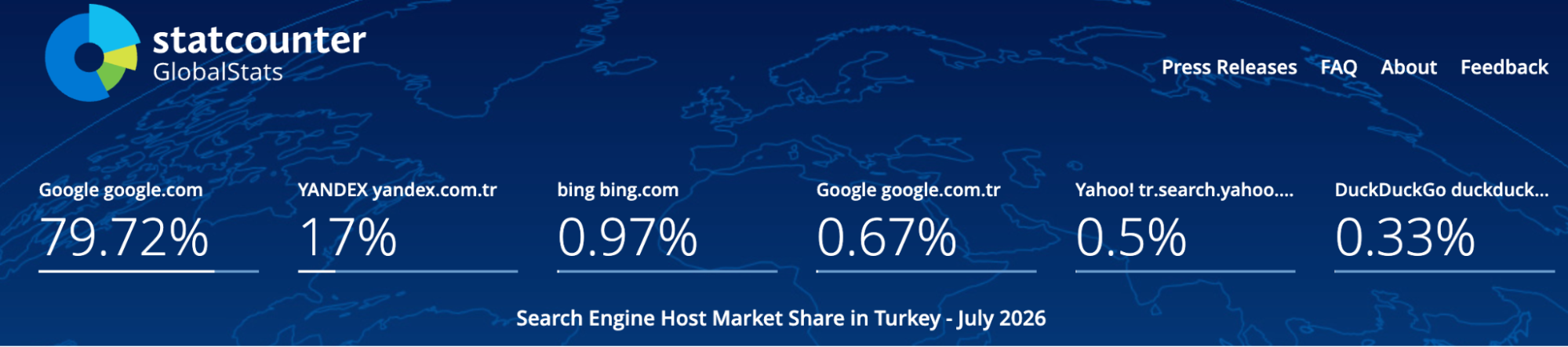
Yandex can sometimes be overlooked in SEO work. Of course, one of the most important reasons for this is Yandex’s relatively low market share in Turkey. In this article, I wanted to explain how we can use the information we obtain from the webmaster tool in SEO. According to Statcounter data, I think Yandex’s 17% market share in Turkey makes this search engine valuable. These rates will, of course, vary in sectors such as e-commerce or healthcare.
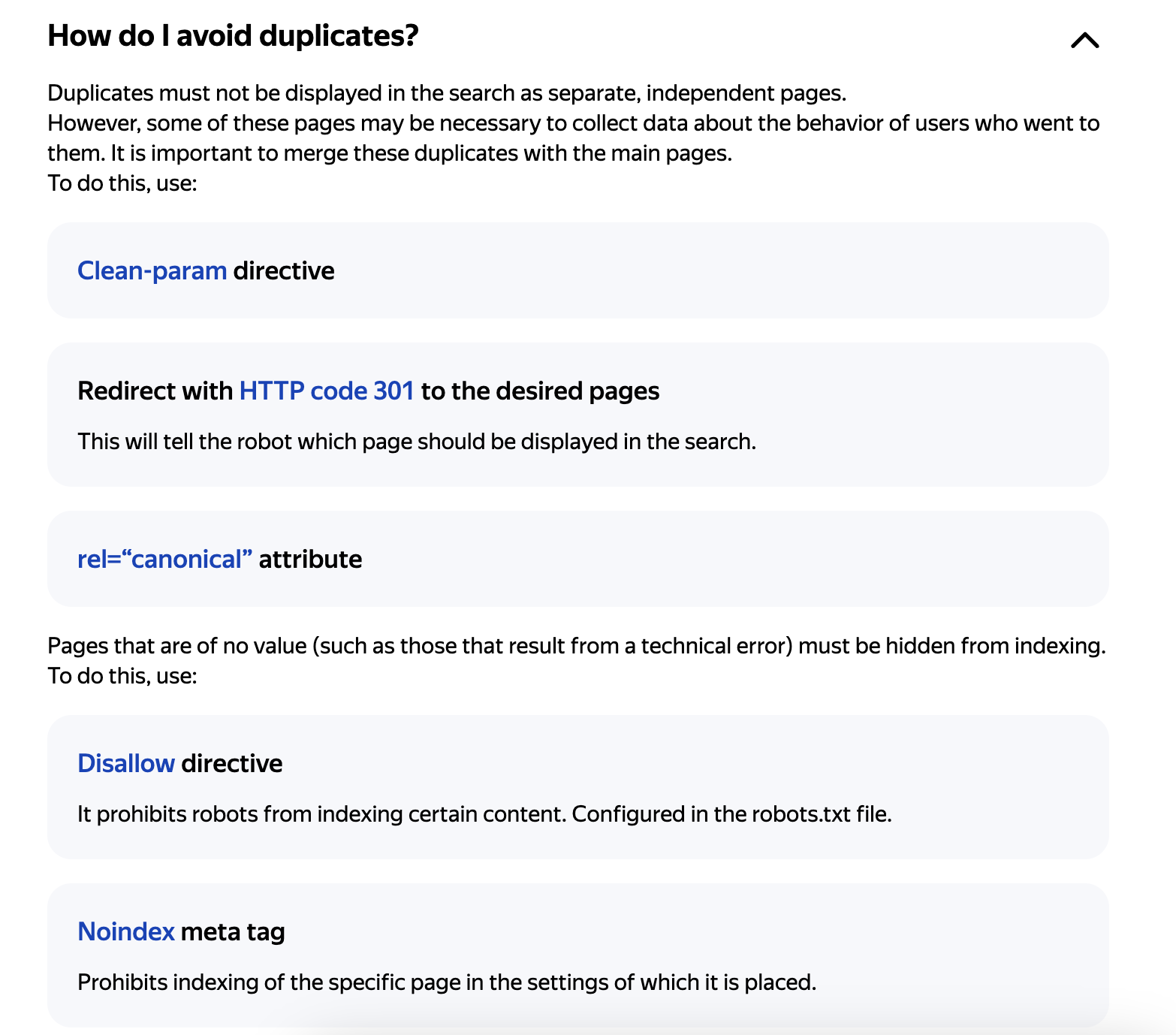
With Yandex Webmaster, which you can use for free, you may be genuinely impressed when you discover errors that even SEO tools might not find. Add your site and perform an SEO audit by reviewing the errors and analyses Yandex identifies for your site. For example, if your site has a duplicate content issue, it shows you recommendations;
Note: To see the errors mentioned in this article, you need to verify your site with Yandex Webmaster. You can verify it using a meta tag, an HTML file, or a DNS record.
1. Title and Description Duplicates
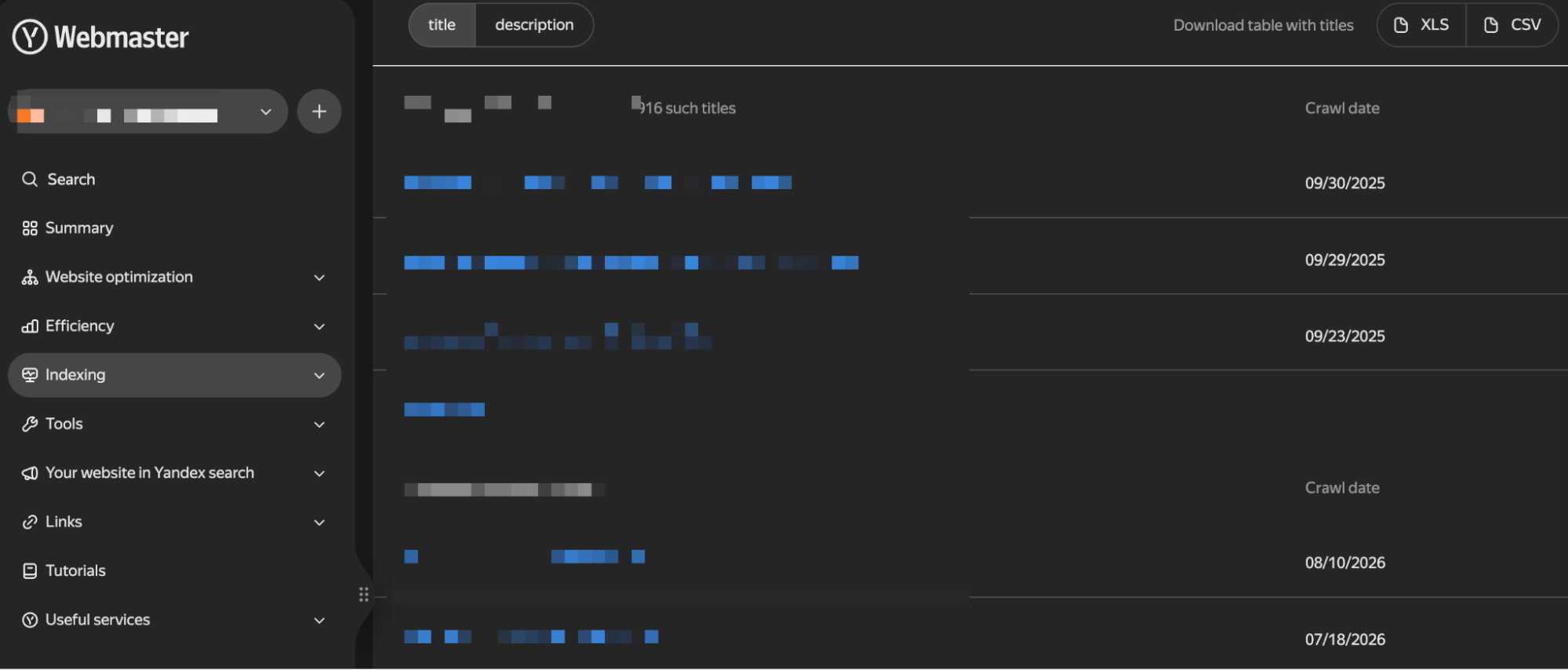
In the Indexing section, you can see duplicate meta tag structures on your site. The old Search Console already had this feature. As an action, you can fix duplicate structures; however, sometimes you may come across URLs that make you say, “Did my site really have a URL like this?” It also allows you to group duplicate pages such as “- Page 2”:
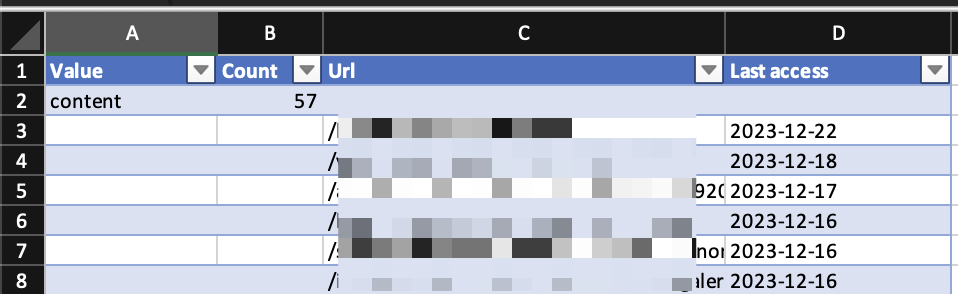
For easier analysis, you can download the data as an .xls file:
2. Keyword Grouping
In the Managing Groups section, you can see which keywords visitors who come to your site via Yandex used. You might ask what is different here.
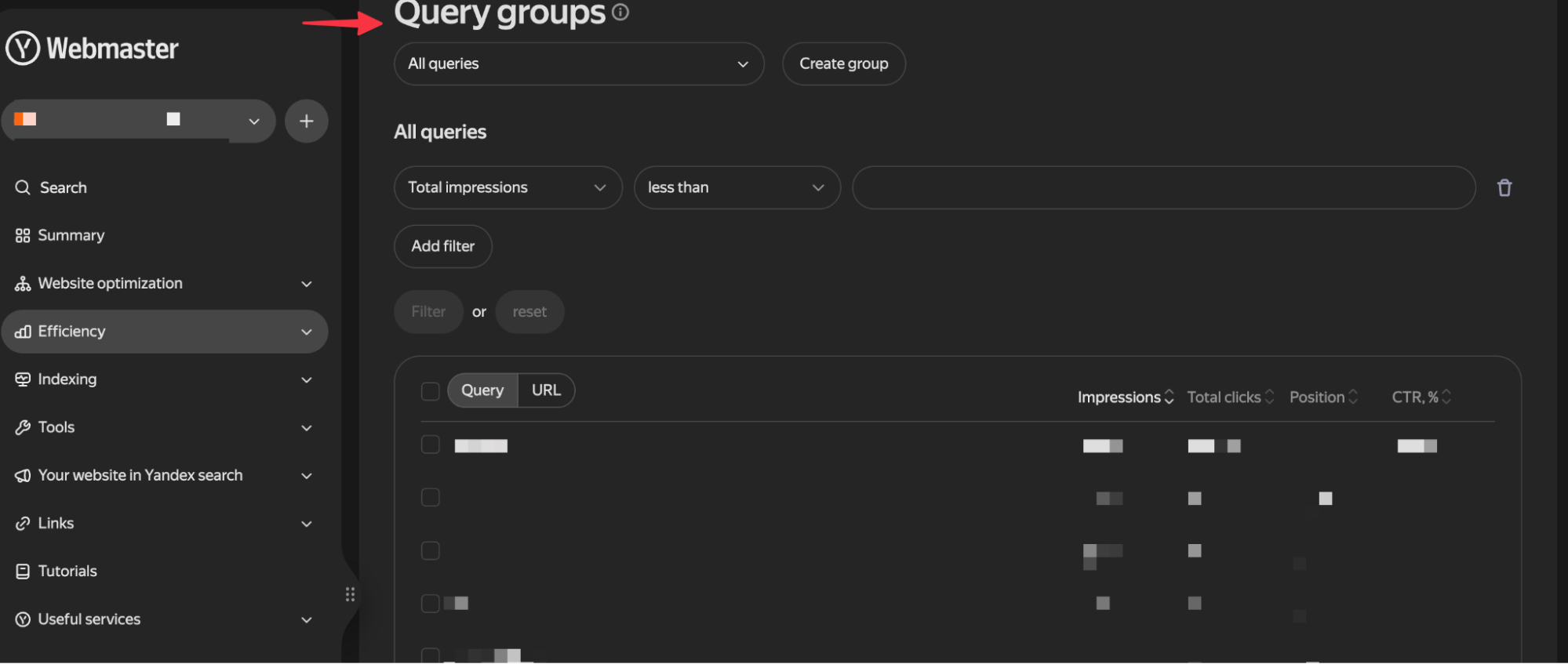
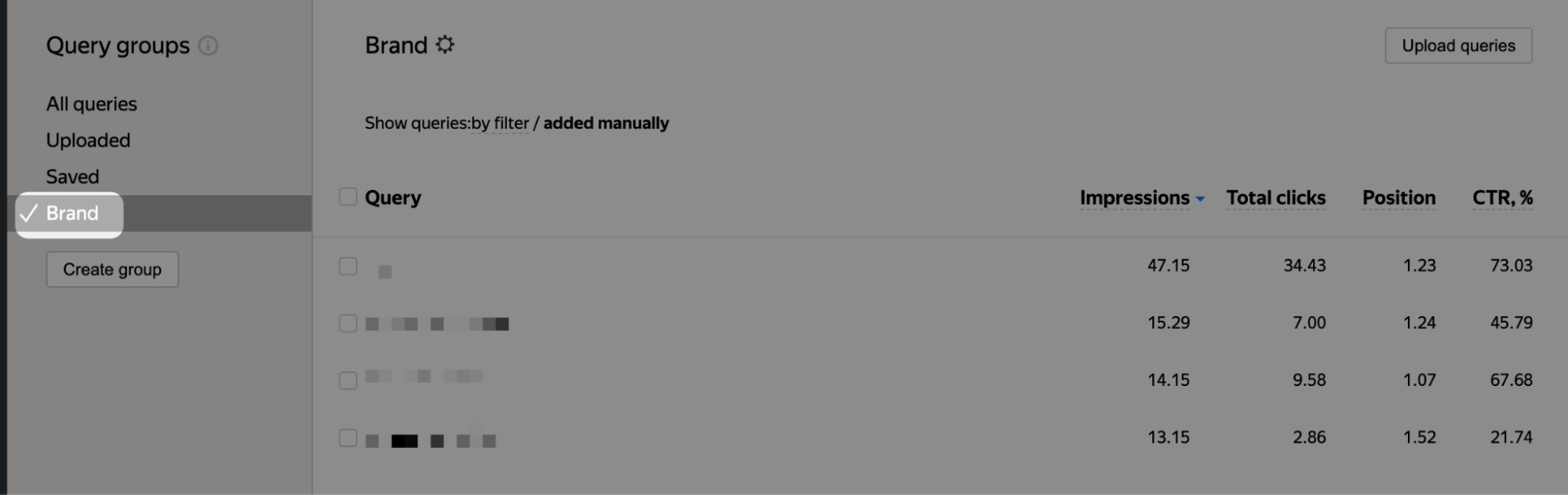
By selecting the keywords you want, you can analyze only brand queries in the same group, as in the example I created. You can also create different groups for other keywords you want:
3. Site Quality Index (SQI)
According to the SQI metric, which measures site quality, you can see the quality score not only for your own site but also for your competitors based on Yandex’s own calculation system. Recently, I have stopped seeing the chart below in some projects; if you want to see the score, you can view your score in the SQI icon section.
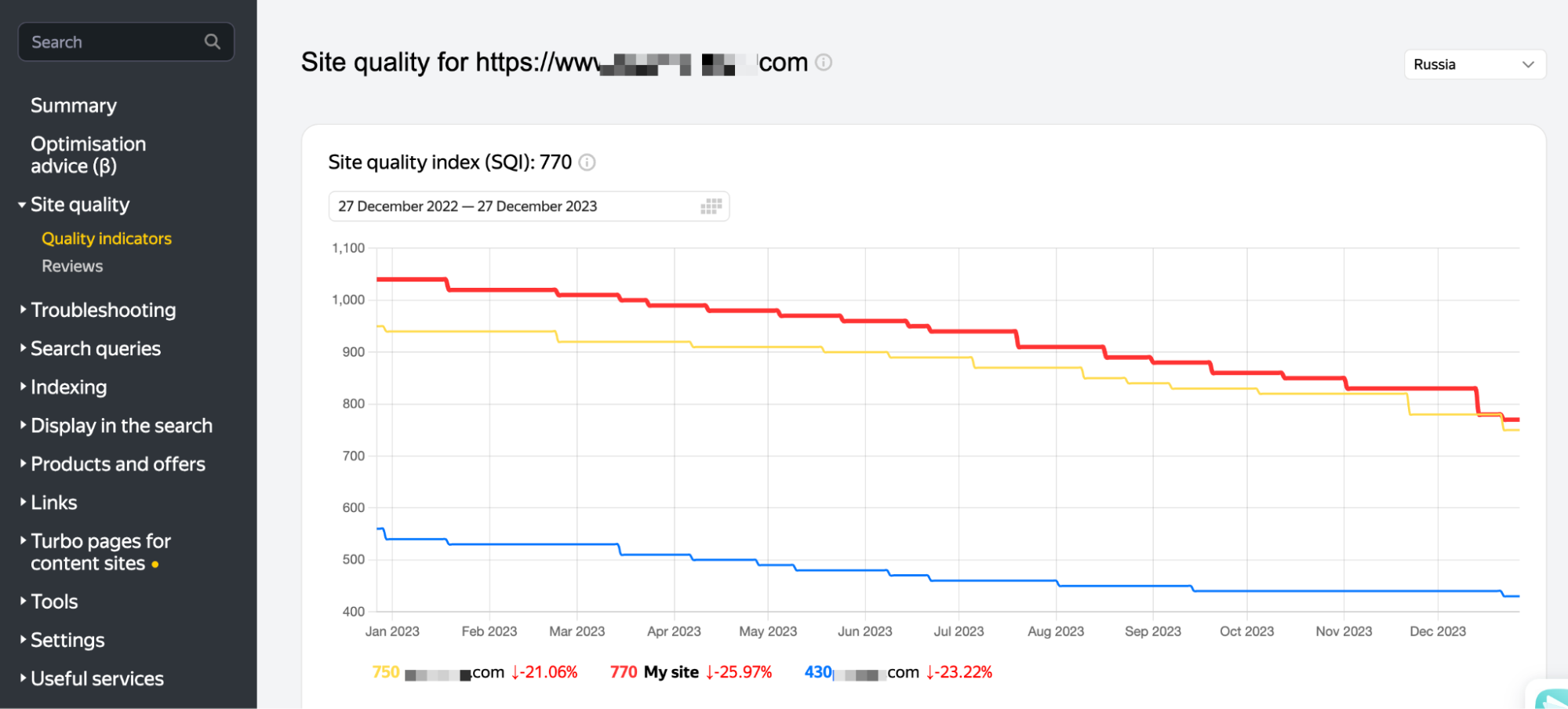
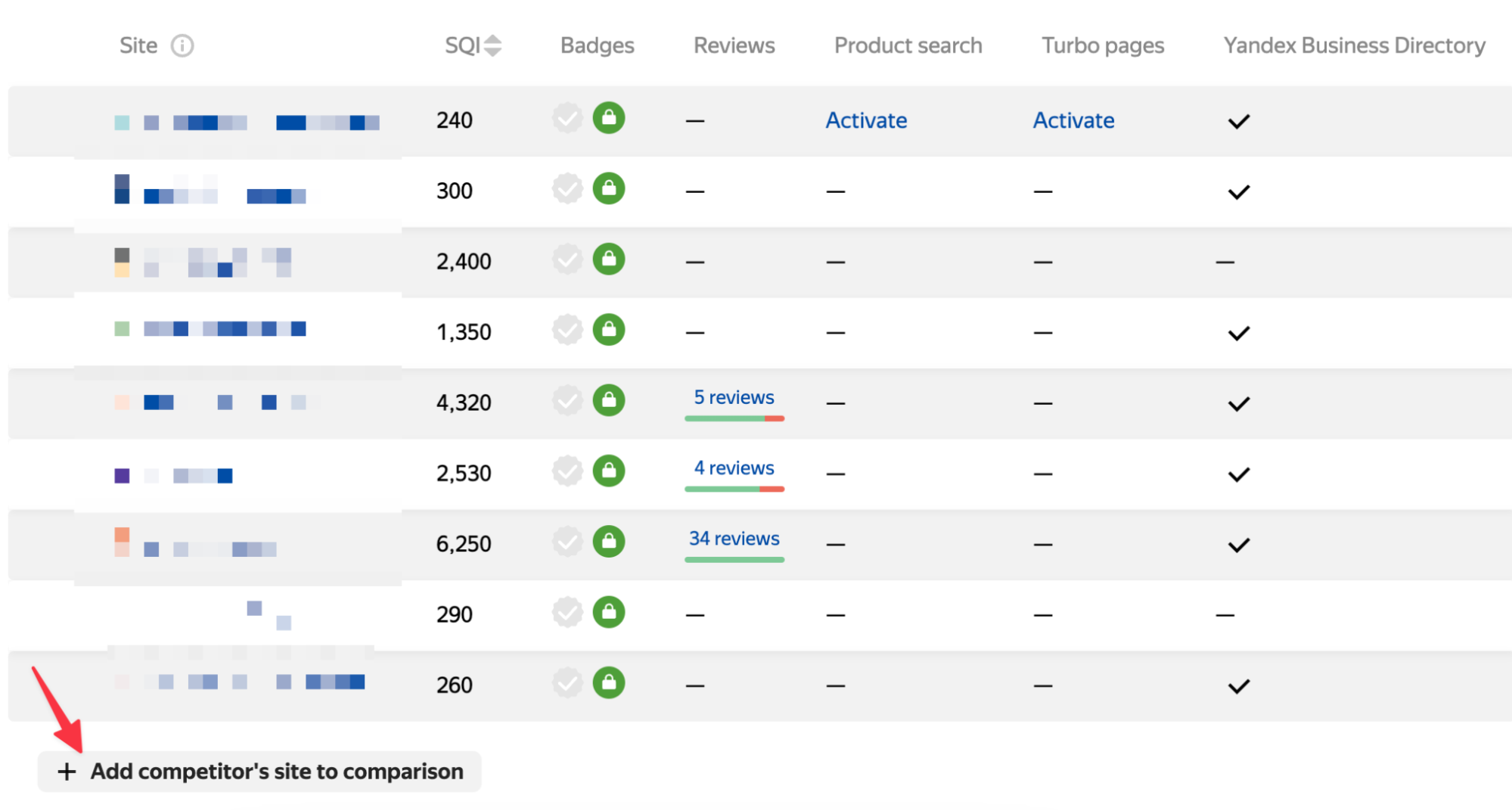
You can also add the competitors you want to the table to determine your overall position:
4. Spam & Low-Quality Content
In this section, check whether there is a site-specific penalty. You can think of it like manual actions in Google. If your site has been penalized, fix the issue and submit a request using the “I've fixed everything” button:
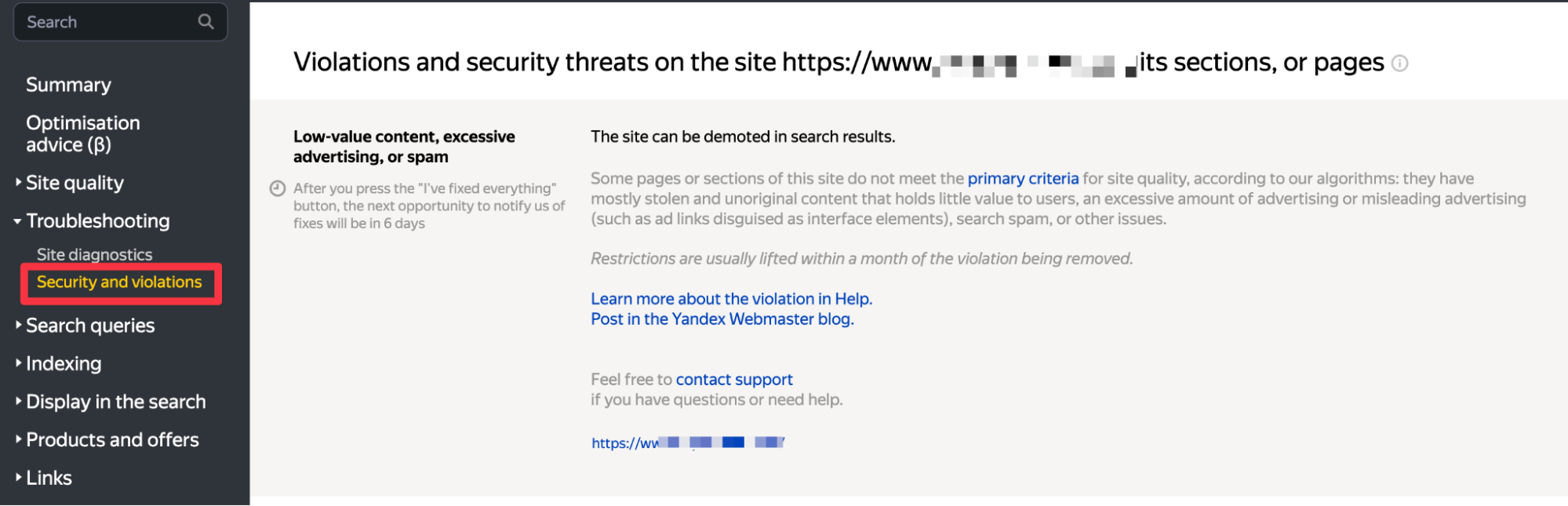
If there is no penalty, you will already see a screen like the one below:
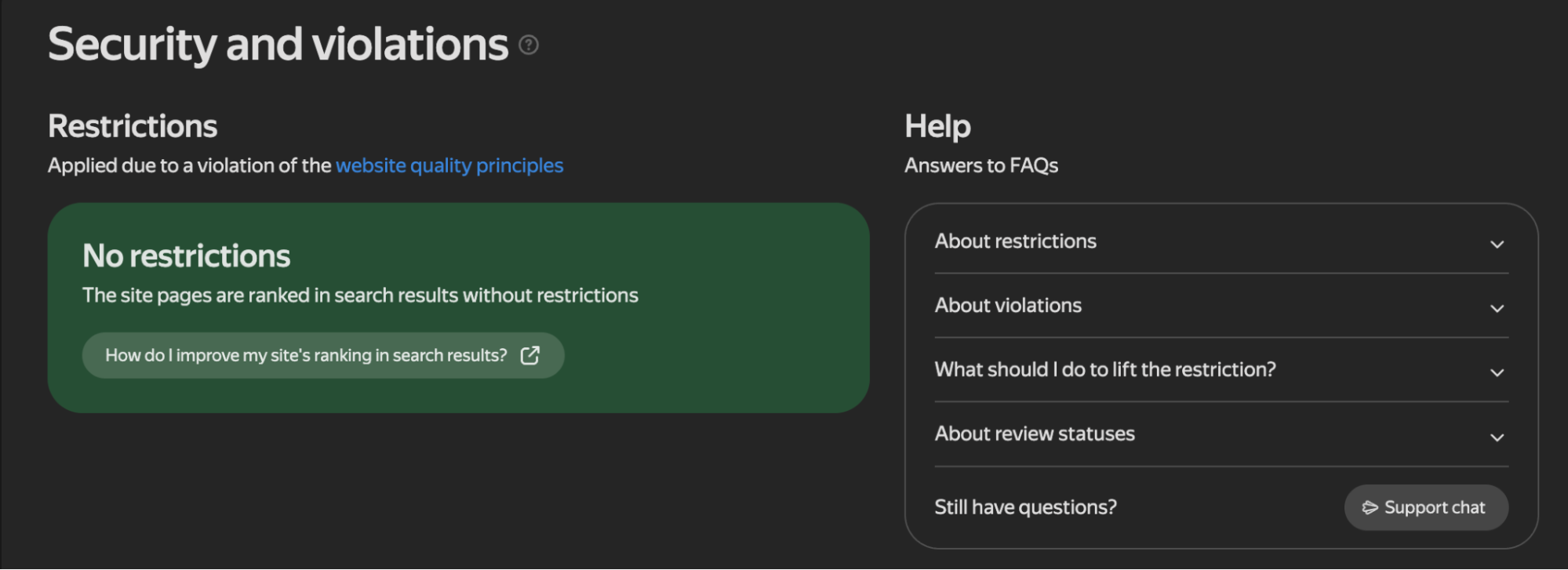
Sometimes incorrect warnings may also appear in this panel; however, after applying using the button I mentioned, things should return to normal within 1 week.
5. Keyword Tracking & Page Monitoring
Finding a rank tracker specifically for Yandex can sometimes be difficult. From the section below, you can track keywords and apply any filters you want to the table:
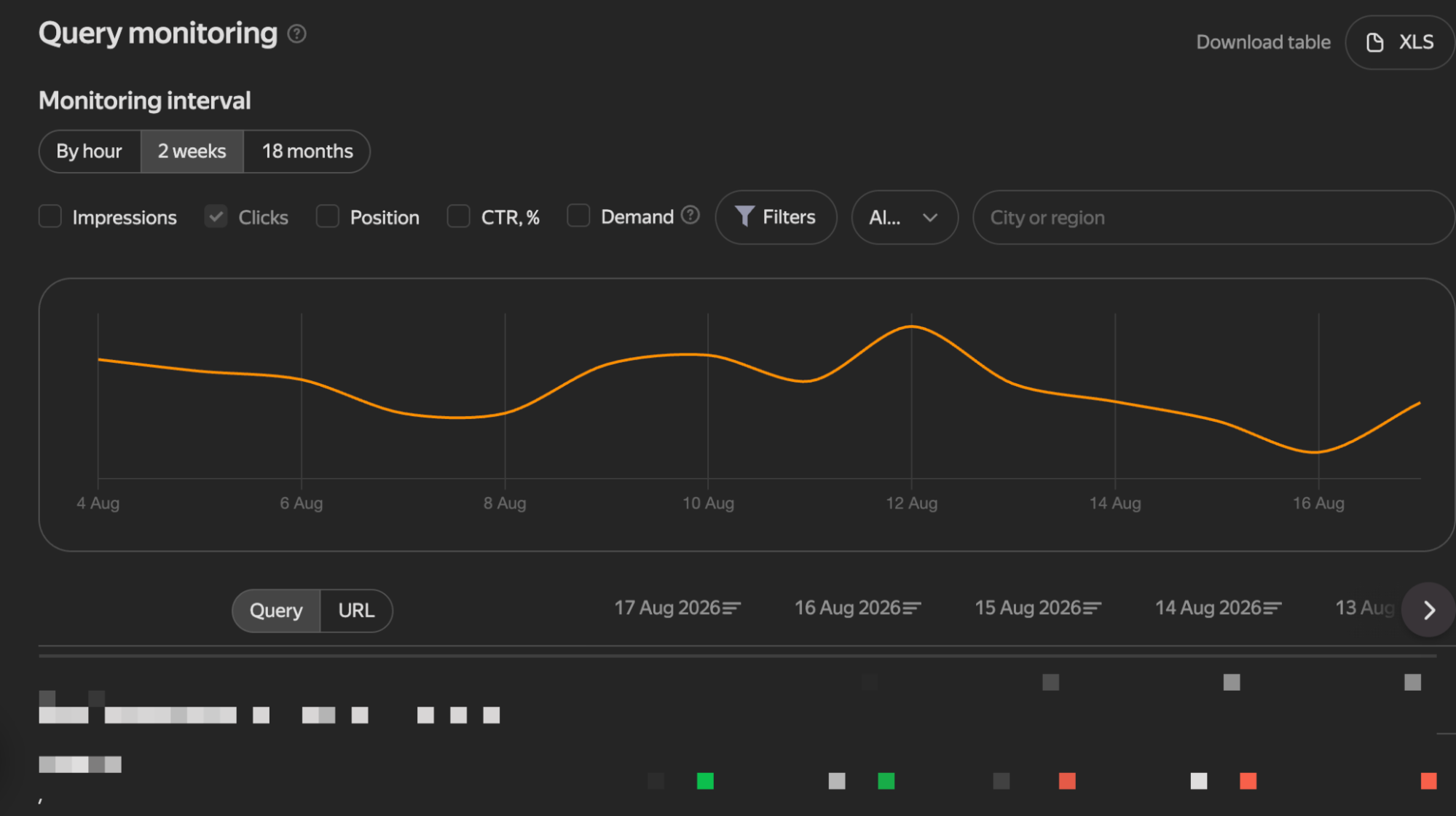
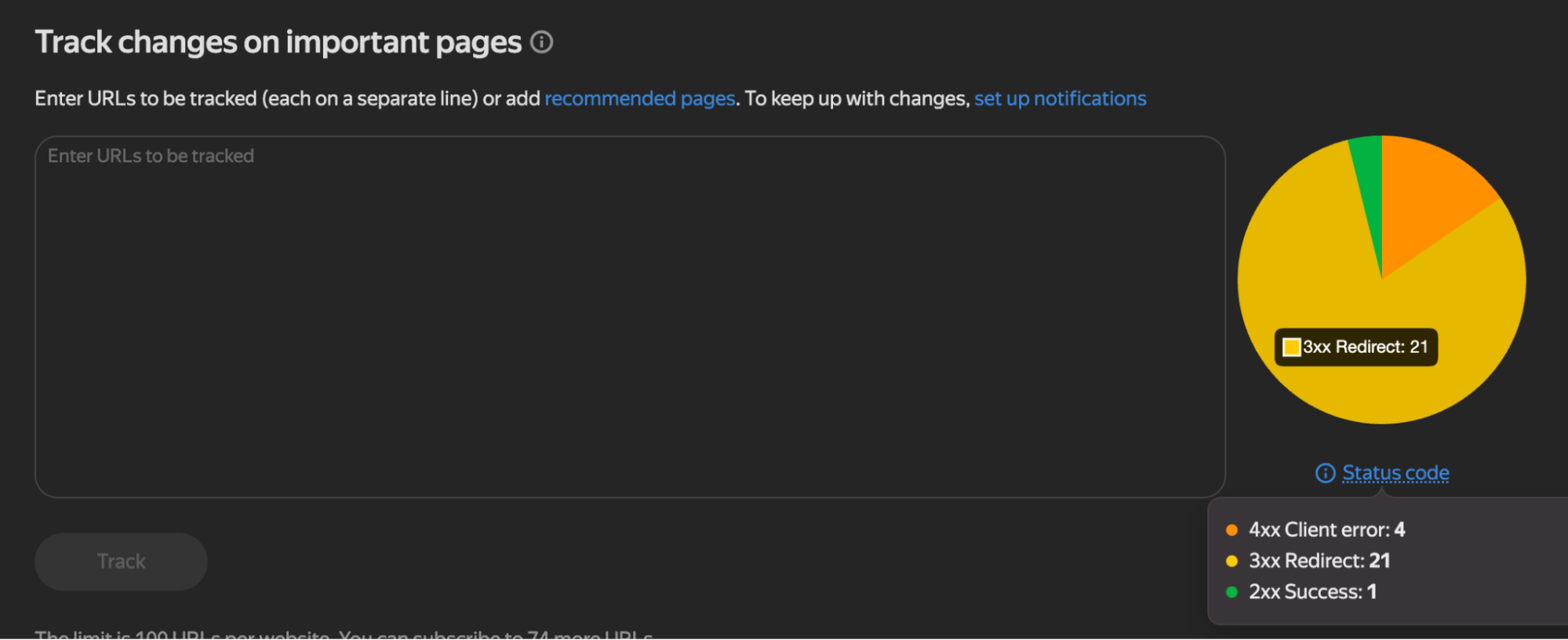
You can track not only keywords but also up to 100 URLs of your choice. In the example below, you can see that the page has been excluded from the index via a “redirect”:
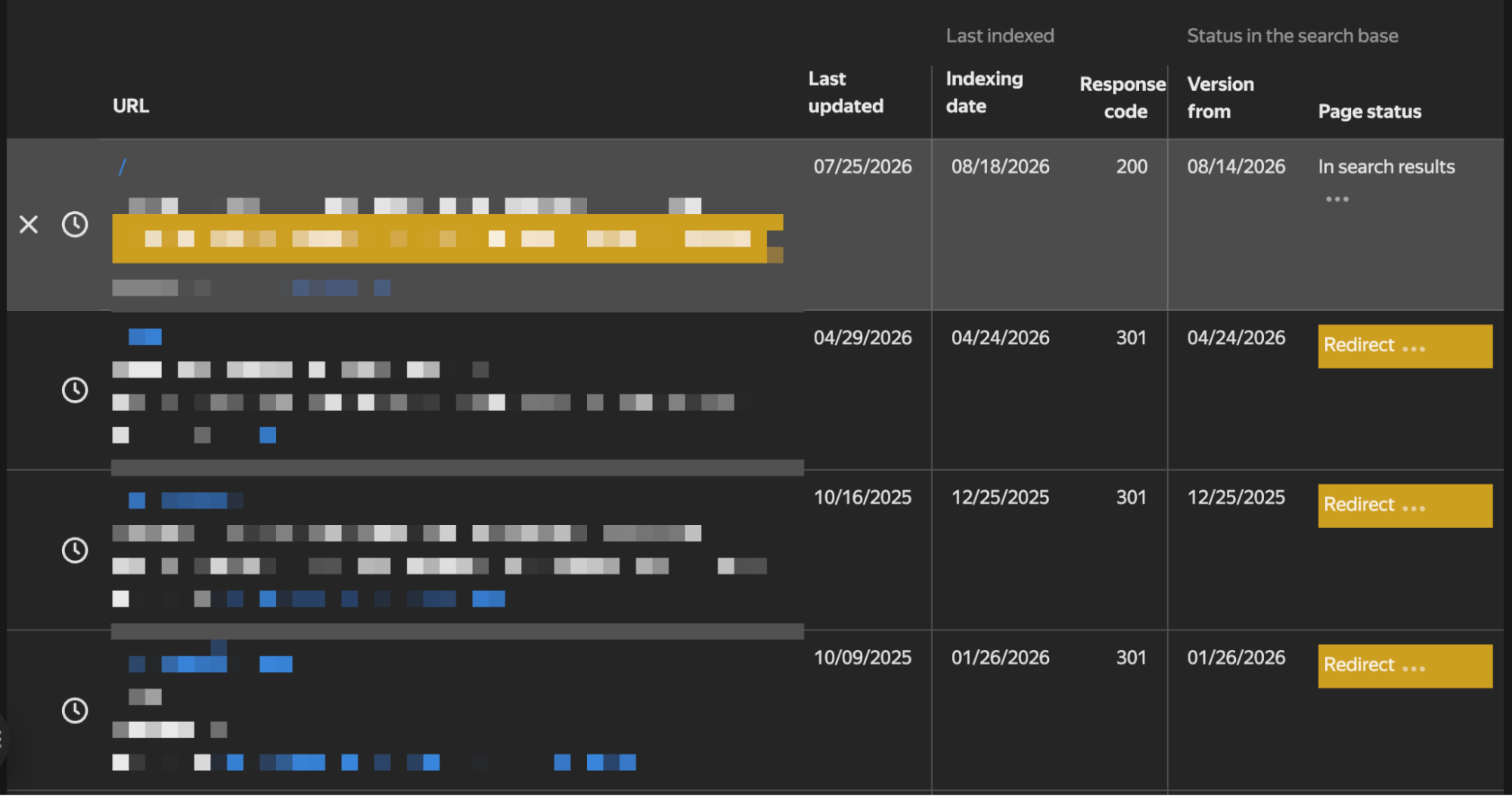
If your pages are very important KPI pages and some of them are redirected with 3xx status codes, tracking the final URLs and checking the redirects would be the right action:
6. Yandex Trends (Yandex Wordstat)
The Trends feature used to be available within the webmaster tool, but it has now been moved to the Wordstat address. Here, you can see during which periods trending keywords on Yandex increase or decrease, broken down by country.
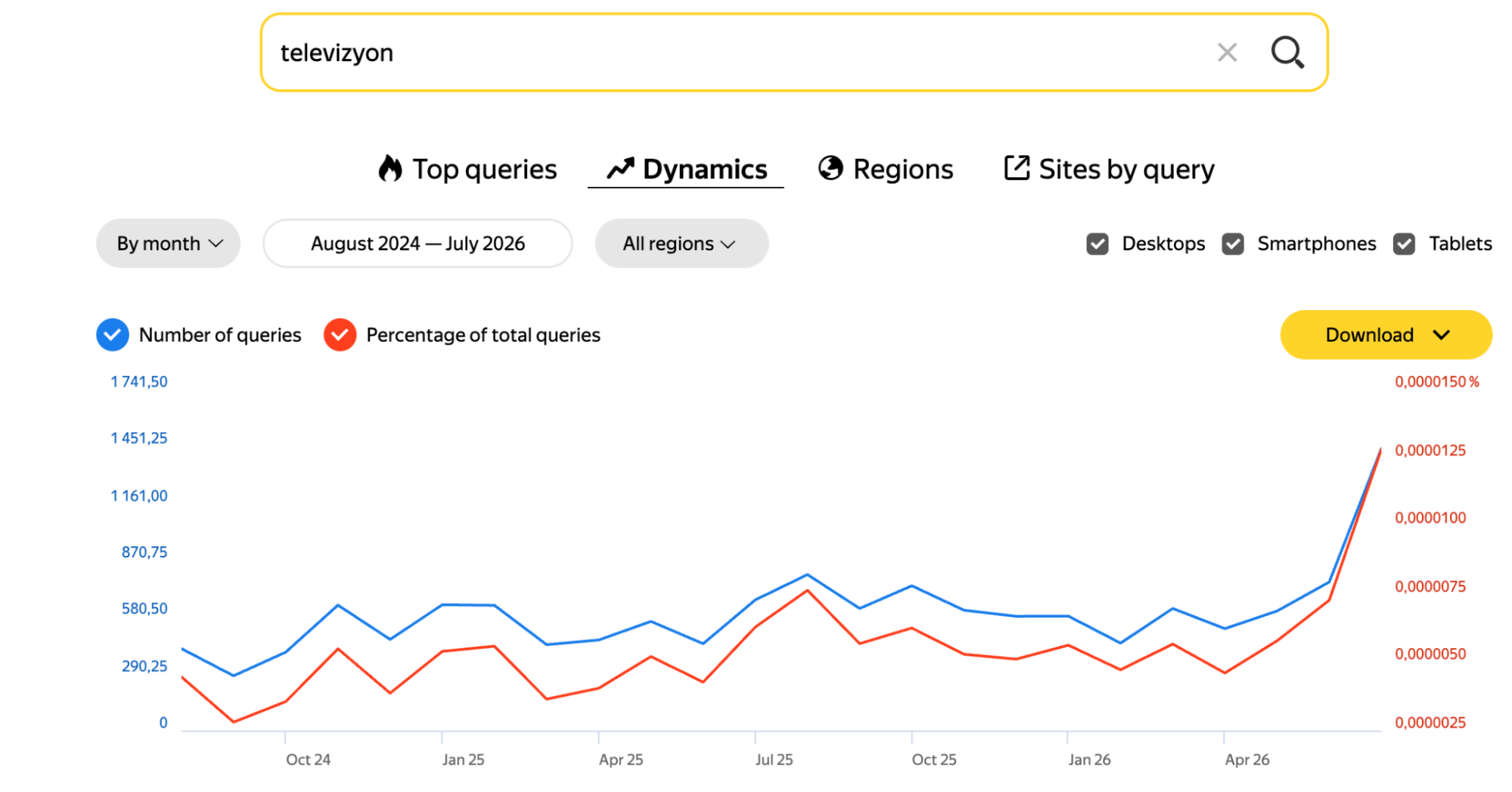
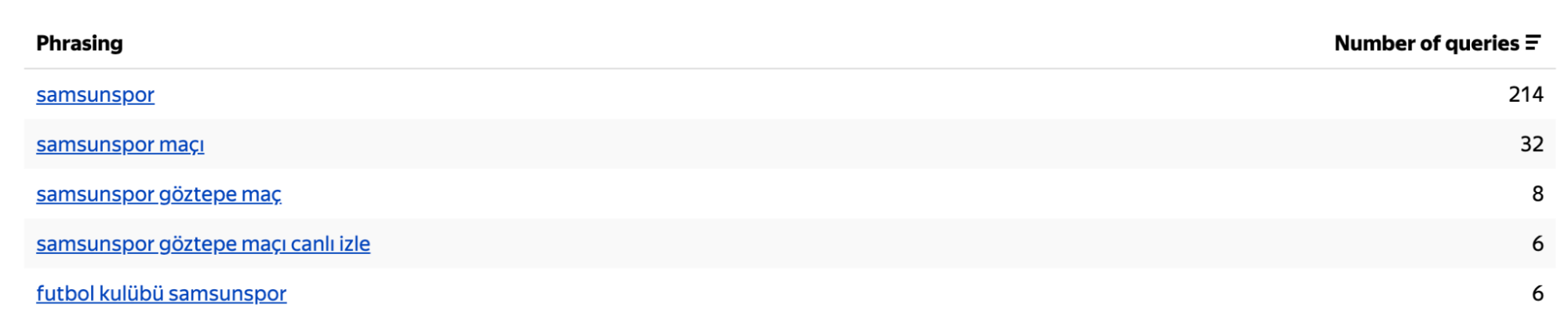
In the Phrasing section, you can also view data for keywords from the last 1 month:
7. Parameter Controls
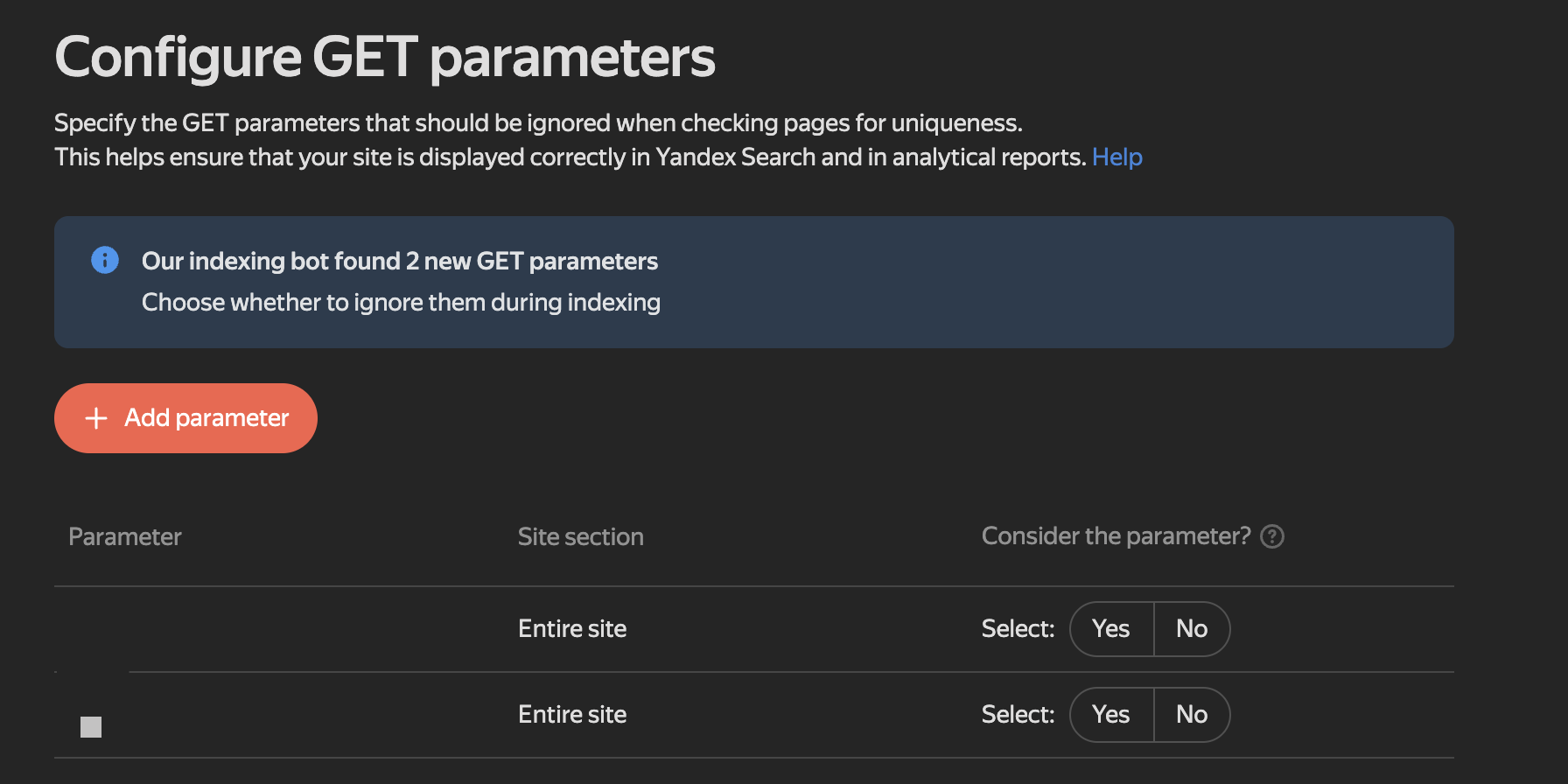
The ability to control parameters, a feature that used to exist in Google as well, is a useful detail. By controlling your parameters here, you can keep your crawl budget under control:
8. Noindex Pages
In the crawl statistics, the site’s crawling status is already summarized by HTTP status codes. What stands out here is that pages excluded from the index with “noindex” are shown. Since corporate sites may contain PDF files or different page types, you can also check errors such as “document is too large”:
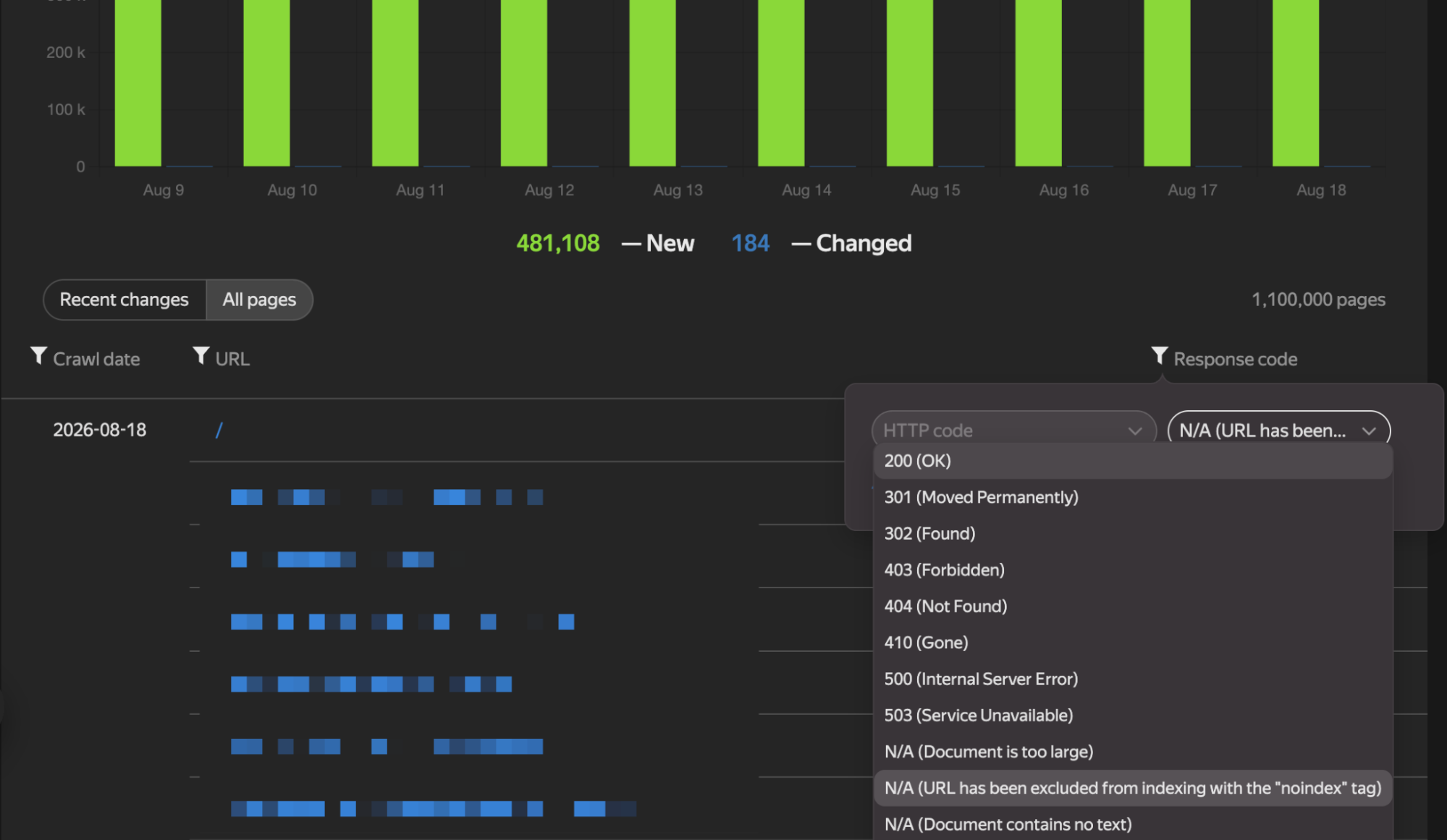
9. Low-Quality Pages
You can view your low-quality pages and analyze why they were not indexed. My recommendation is not to take action based solely on this report. Sometimes, even when there is no issue with a page, high-quality pages may appear in this report, or your pages in other languages may somehow be flagged as problematic:
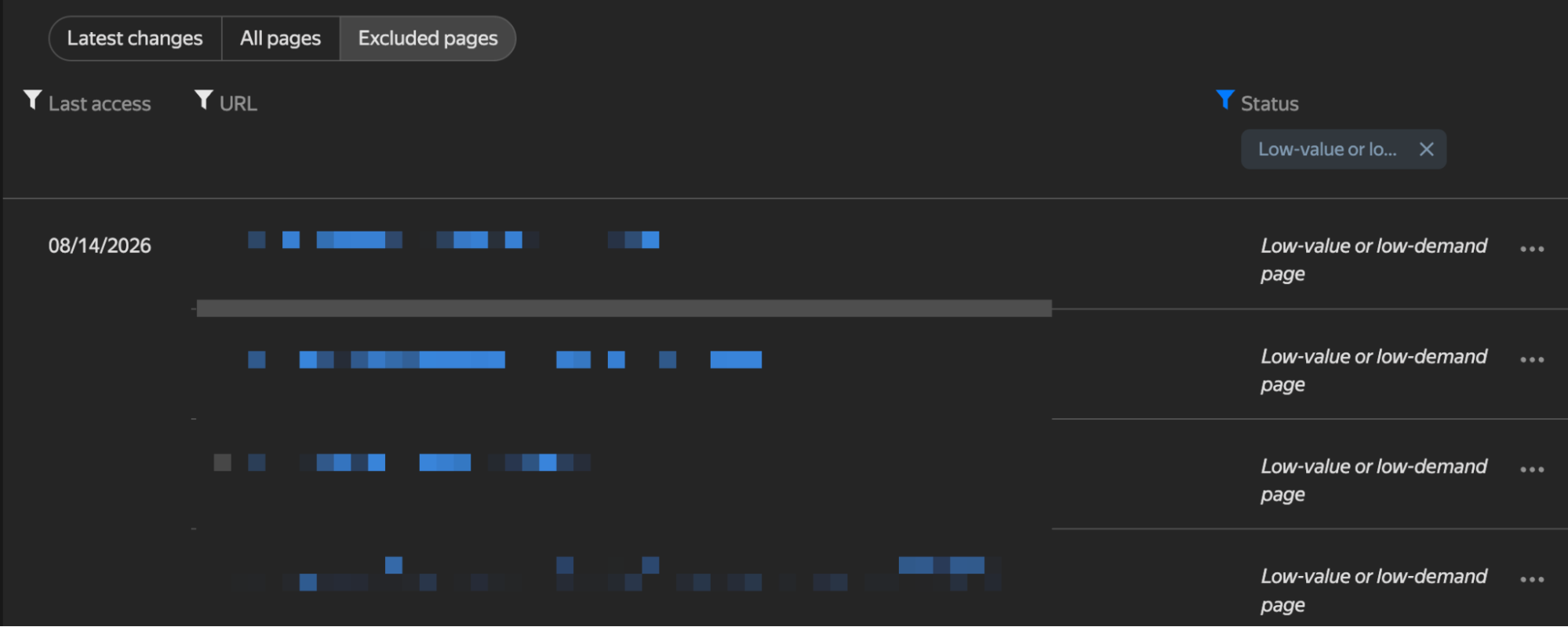
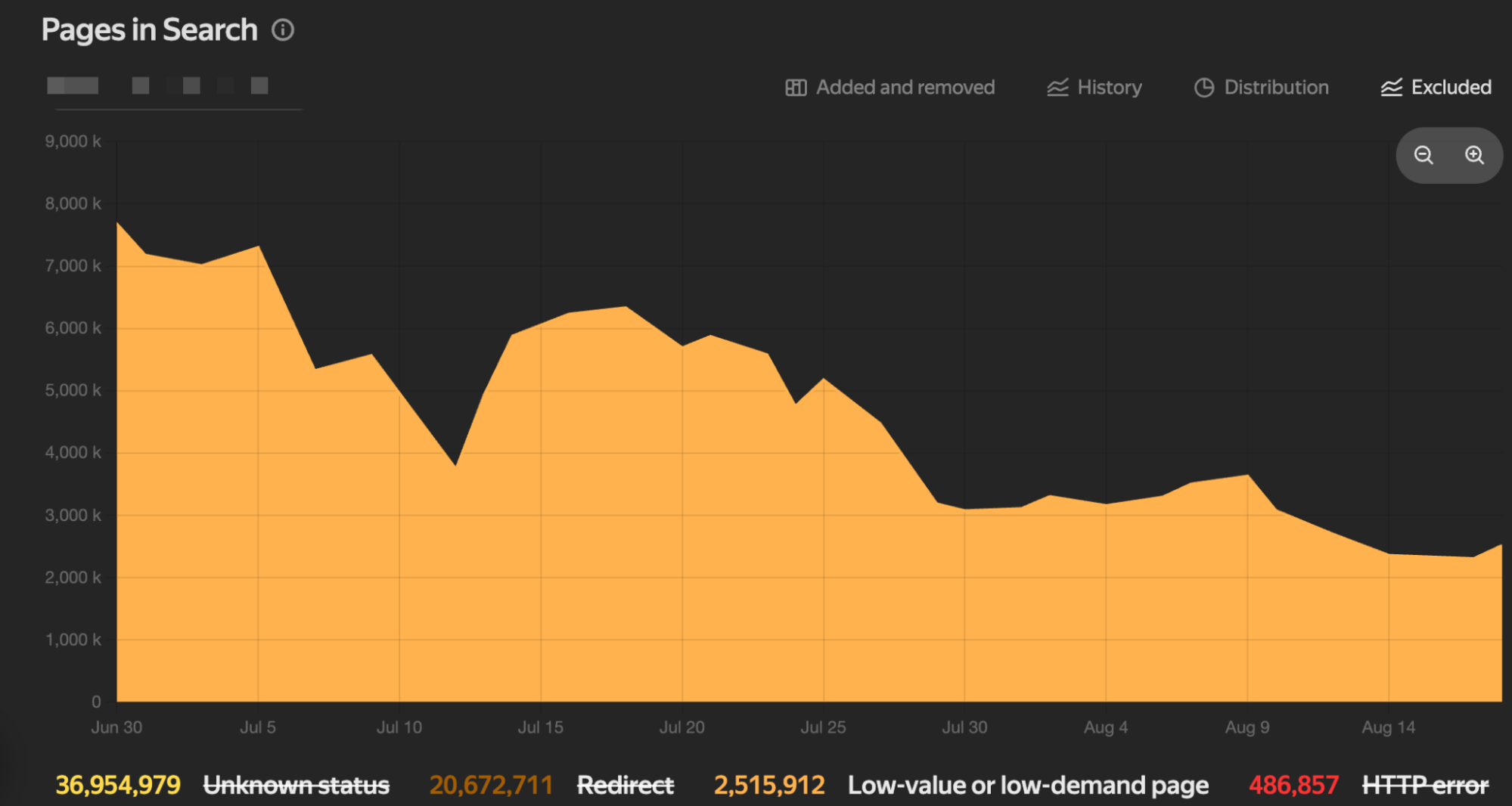
For example, an average of 2.5M URLs among the non-indexed pages were apparently excluded because of these types of low-quality pages:
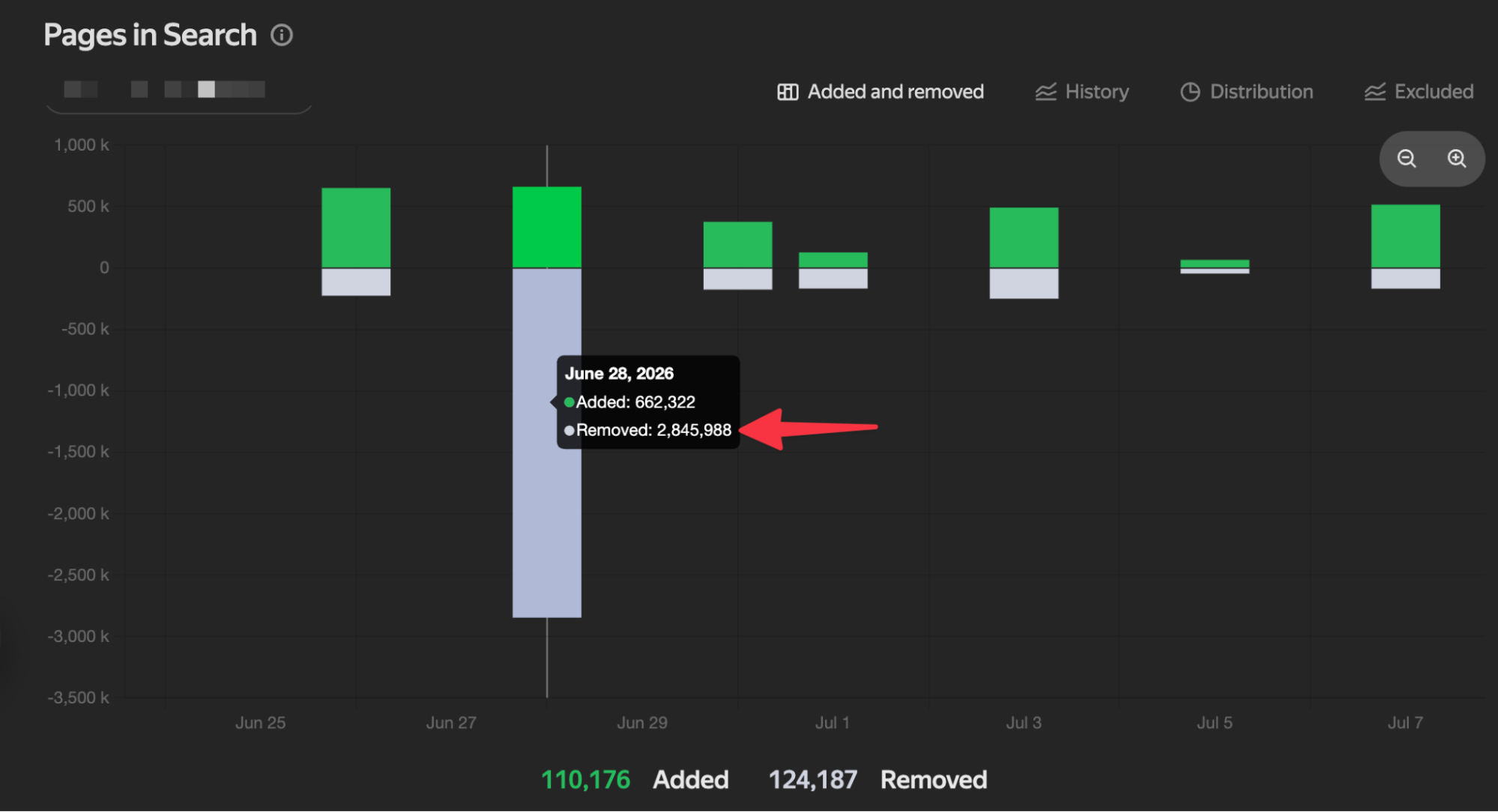
You can also identify pages that have been indexed and pages that have been removed from the index. If pages are excluded from the index during a certain period without your knowledge, you can immediately take action to analyze those pages:
10. Crawl Rate
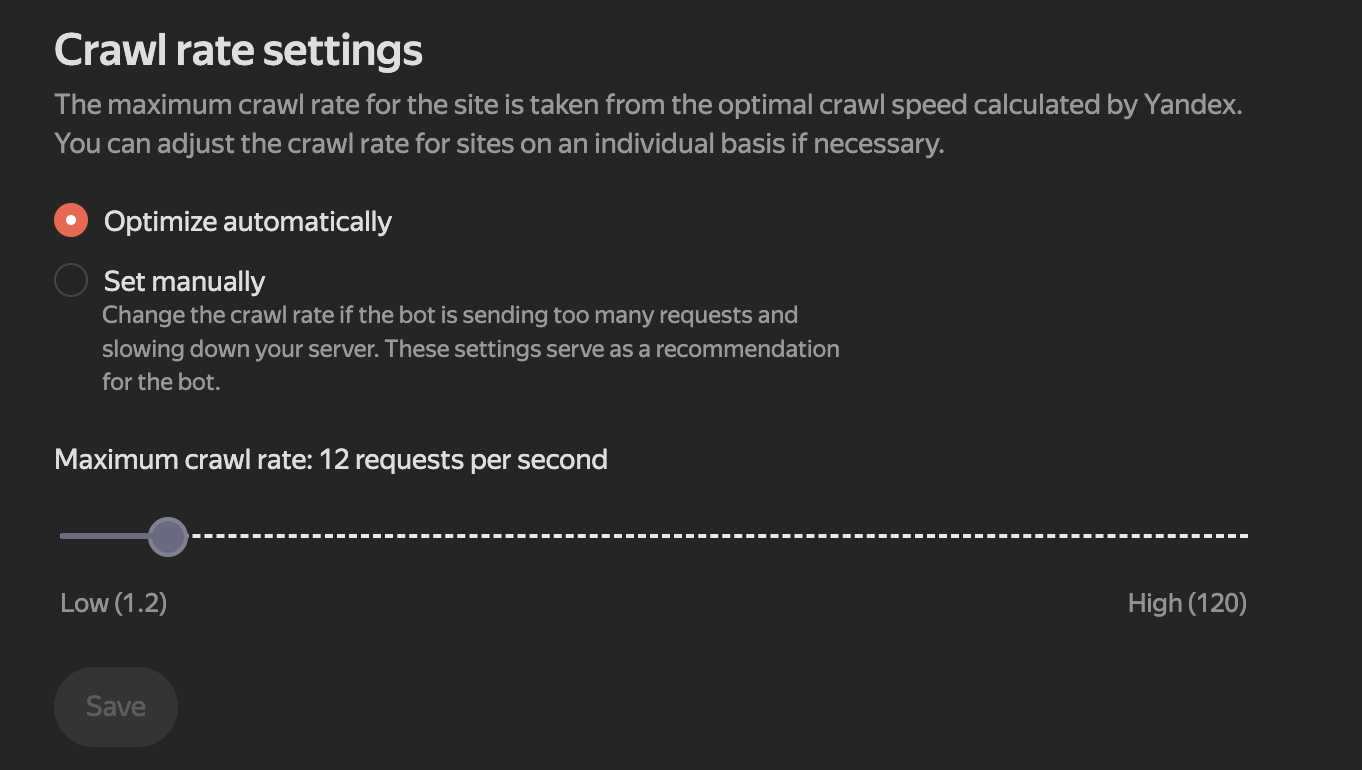
On large-scale sites, YandexBot may sometimes send an unusually high number of requests. In such cases, to avoid negatively affecting users’ access to the site, you can adjust how frequently the bot crawls the site. The high value used to be 40, but it has been increased to 120:
11. Sitelinks
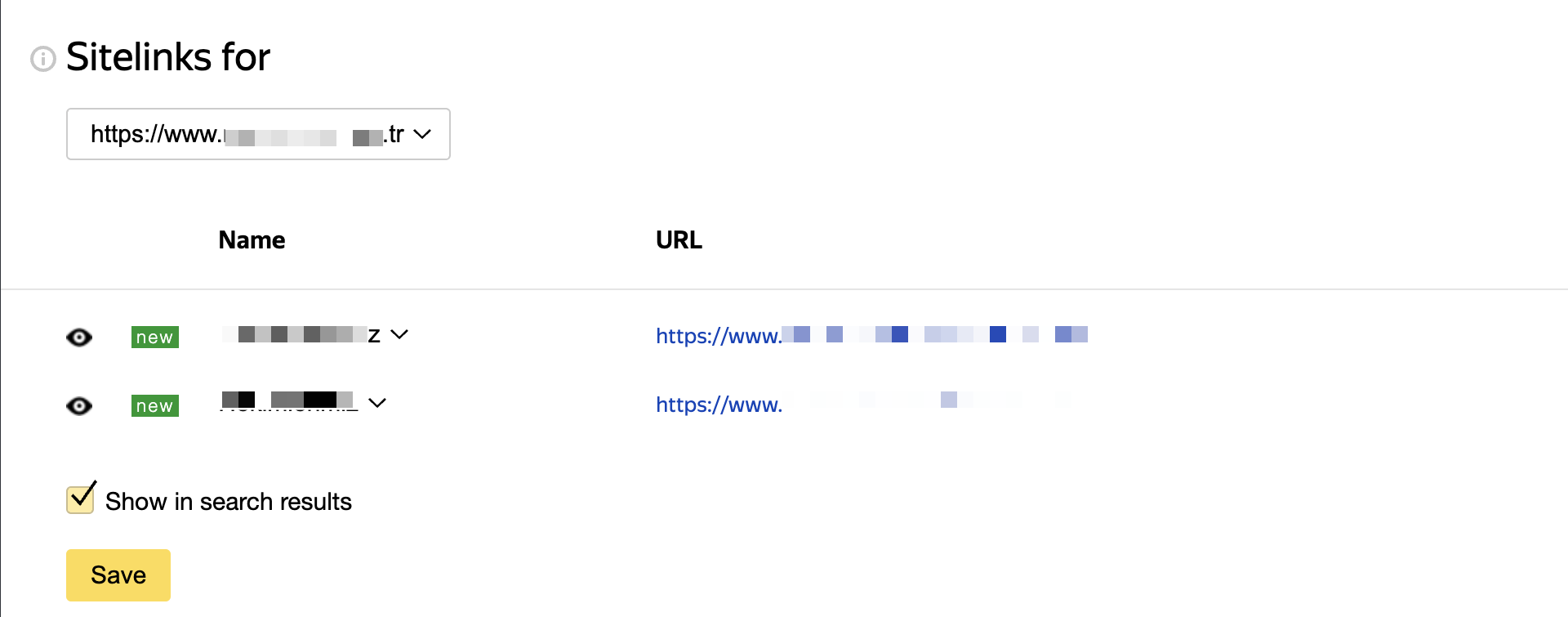
Although this settings screen does not appear on every site, you can manage the sitelinks section in the Yandex SERP and choose which of the eligible links you want to display:
12. External & Internal Links
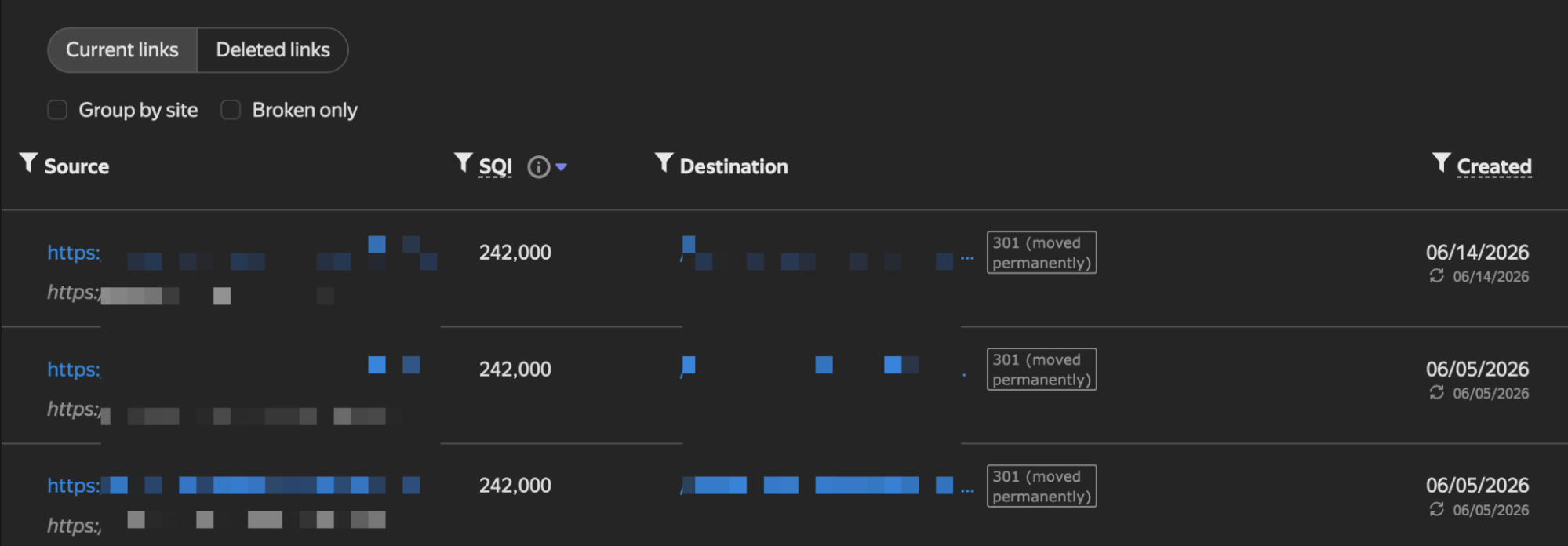
As with SEO tools, you can identify pages receiving backlinks that return 4xx or 5xx status codes. Starting especially with sites that have high SQI values, you can redirect the pages to relevant pages with 301 redirects or investigate why they are not opening:
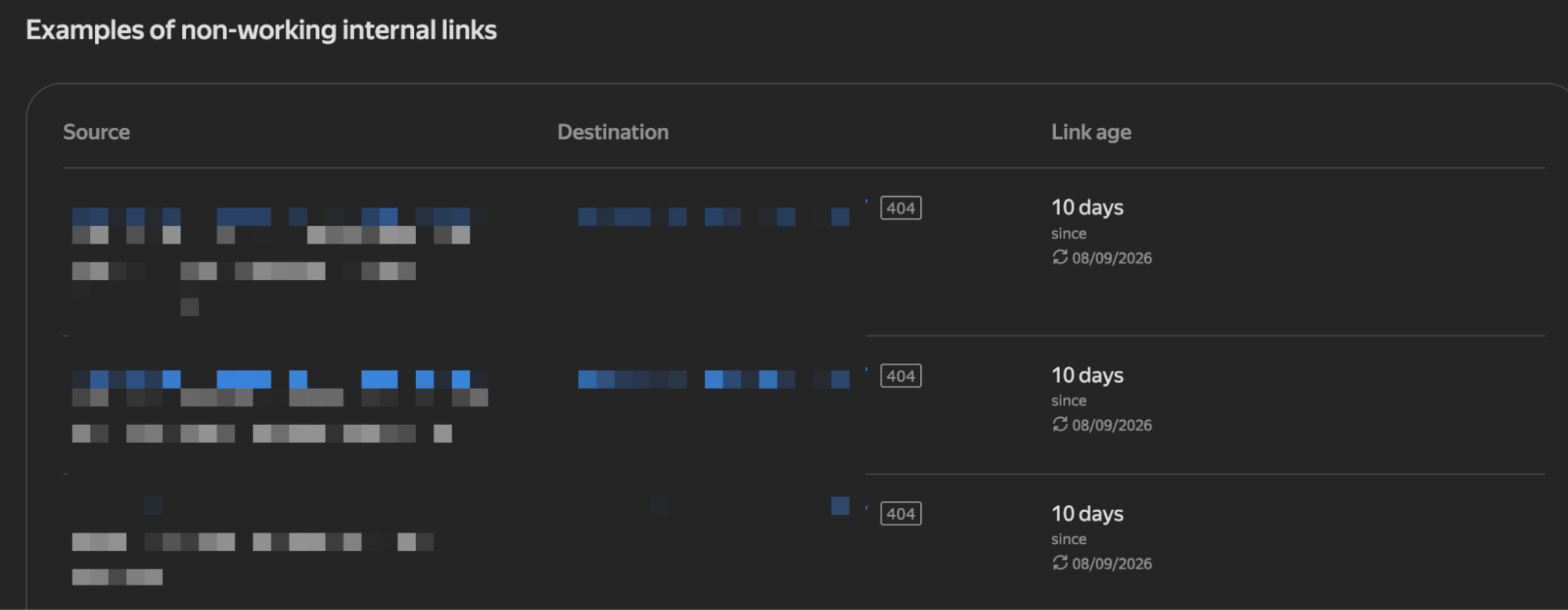
You can perform similar analyses for internal links as well. The “link age” metric can be especially useful in some analyses. If you have a small number of pages, you can combine your Google data with the data here and take action based on link age:
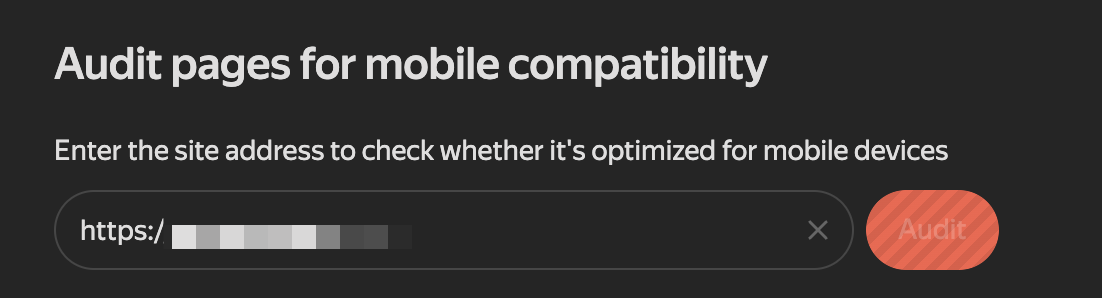
13. Mobile-Friendly Test Tool
This feature was removed from Google; however, there is still a useful tool for those who occasionally want to test sites. From the Tools section, you can test whether your site is mobile-friendly:
I have tried to share the details I consider important about using Yandex Webmaster with you in bullet-point form. Its AI features are not yet as advanced as Google’s and Bing’s, so you may not be able to obtain the data you want for GEO work. I hope you can use the information here to address your site’s SEO shortcomings.
Wishing everyone plenty of organic traffic :)


